


An easy way to create backups of your optical discs
When buying a music album or a film, we may want to make a copy to avoid losing our purchase in case of damage or loss. Some applications such as Nero or Ashampoo Burning Studio are too advanced to limit themselves to these simple tasks, but there are applications dedicated exclusively to the duplication of discs, as is the case of Blindwrite.
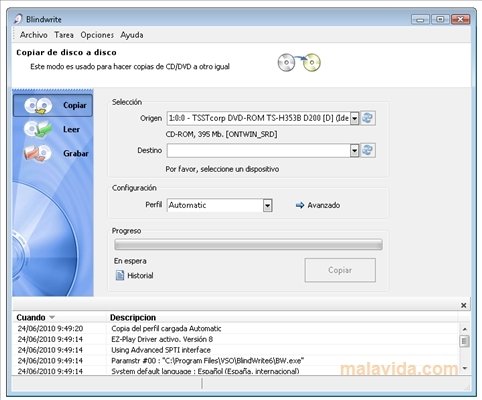
It's a simple tool, with a very clear interface, with which you can copy CDs and DVDs with a single click.
The most important features are:
- Allows you to copy directly between different units.
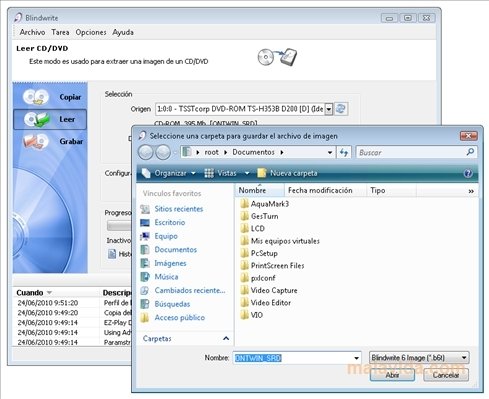
- Option to create disc images of any CD, DVD or Blu-ray.
- Possibility to burn BWT, CCD, ISO, CUE/BIN and MDS files.
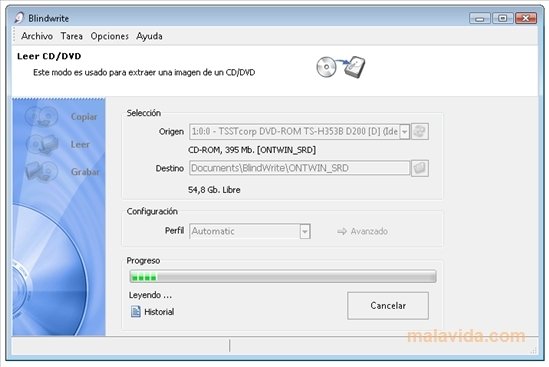
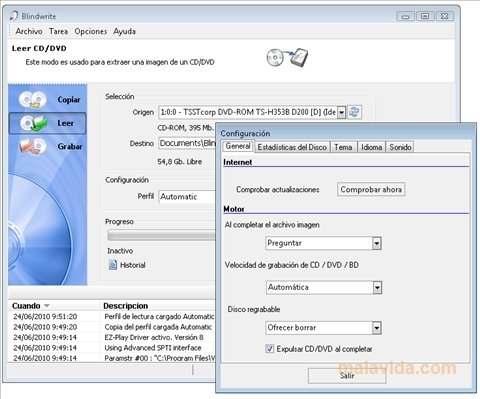
The program will let us know by means of sounds once the process has finished and we'll be able to see a report about each action it has completed.
If you were looking for a utility with which you can easily copy discs, we recommend you to try out Blindwrite as soon as possible.
 Héctor Hernández
As a technology journalist with over 12 years of experience in the world of software and apps, I have had the opportunity to try all kinds of devices and operating systems over the years. I have done from software or mobile applications reviews...

Antony Peel